

Website ideas
- Clearer product story
- Show the workbench
- Explain BYOK simply
- Keep the layout focused
- Use clear typography
Bring your files and a goal. VibeSpace helps you turn them into documents, websites, reports, and code you can open, edit, and keep.
Bring your own key. Choose your model.How BYOK works
Notes, files, and half-finished work are scattered everywhere. VibeSpace keeps everything in one place, from your source files to finished results.
A focused website that explains the product, shows how it works, and builds trust.
Documents, code, webpages and video edits share the same workspace. Keep the task beside its files and result, so you can review what was made and decide what comes next.
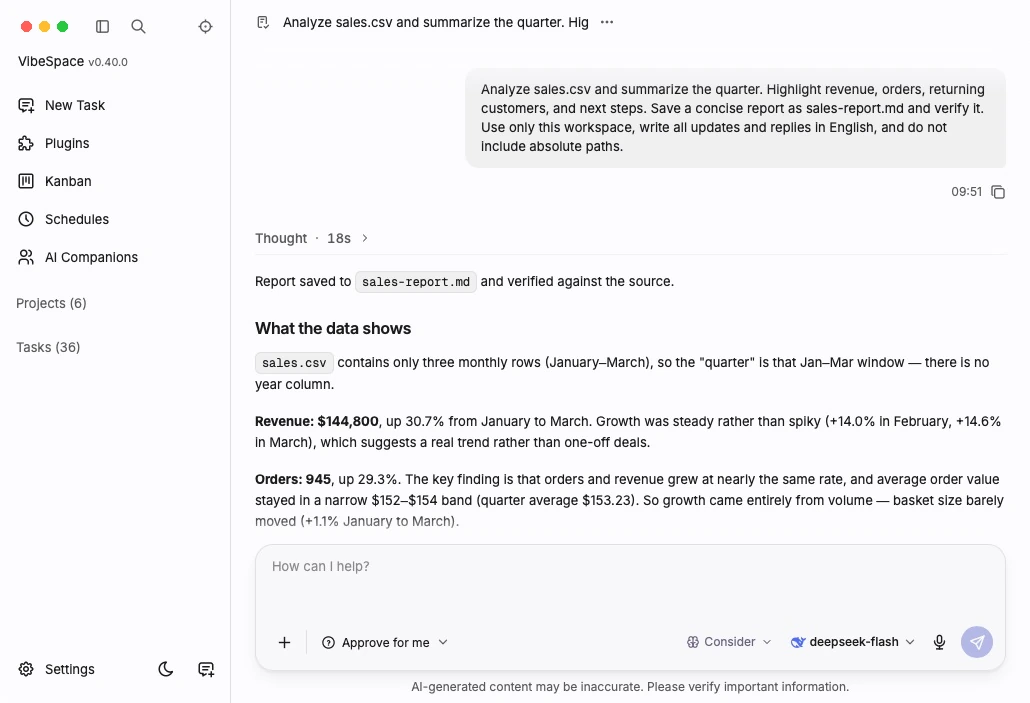
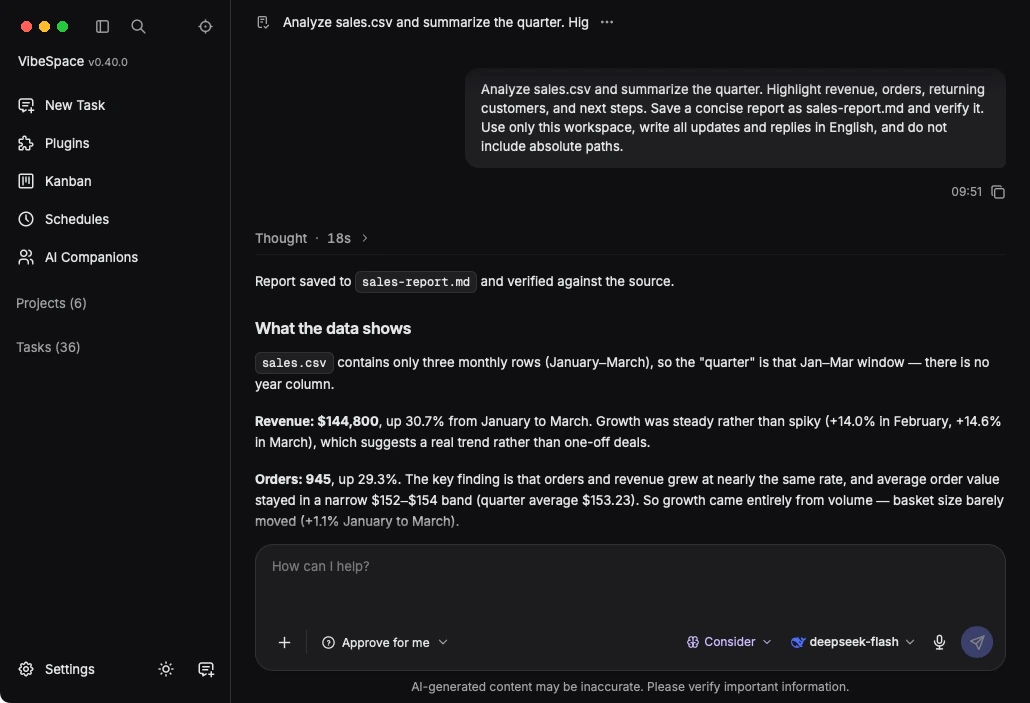
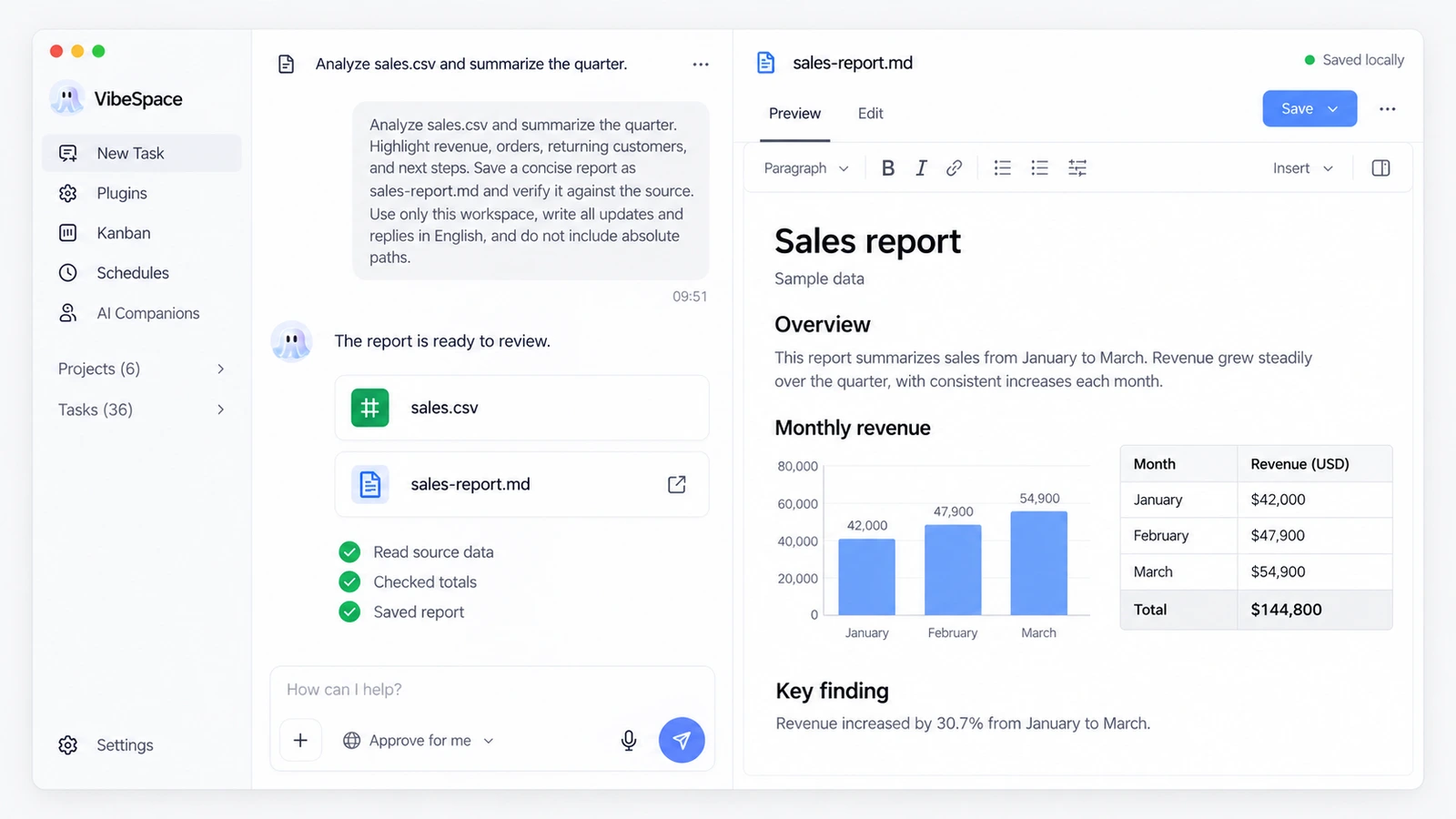
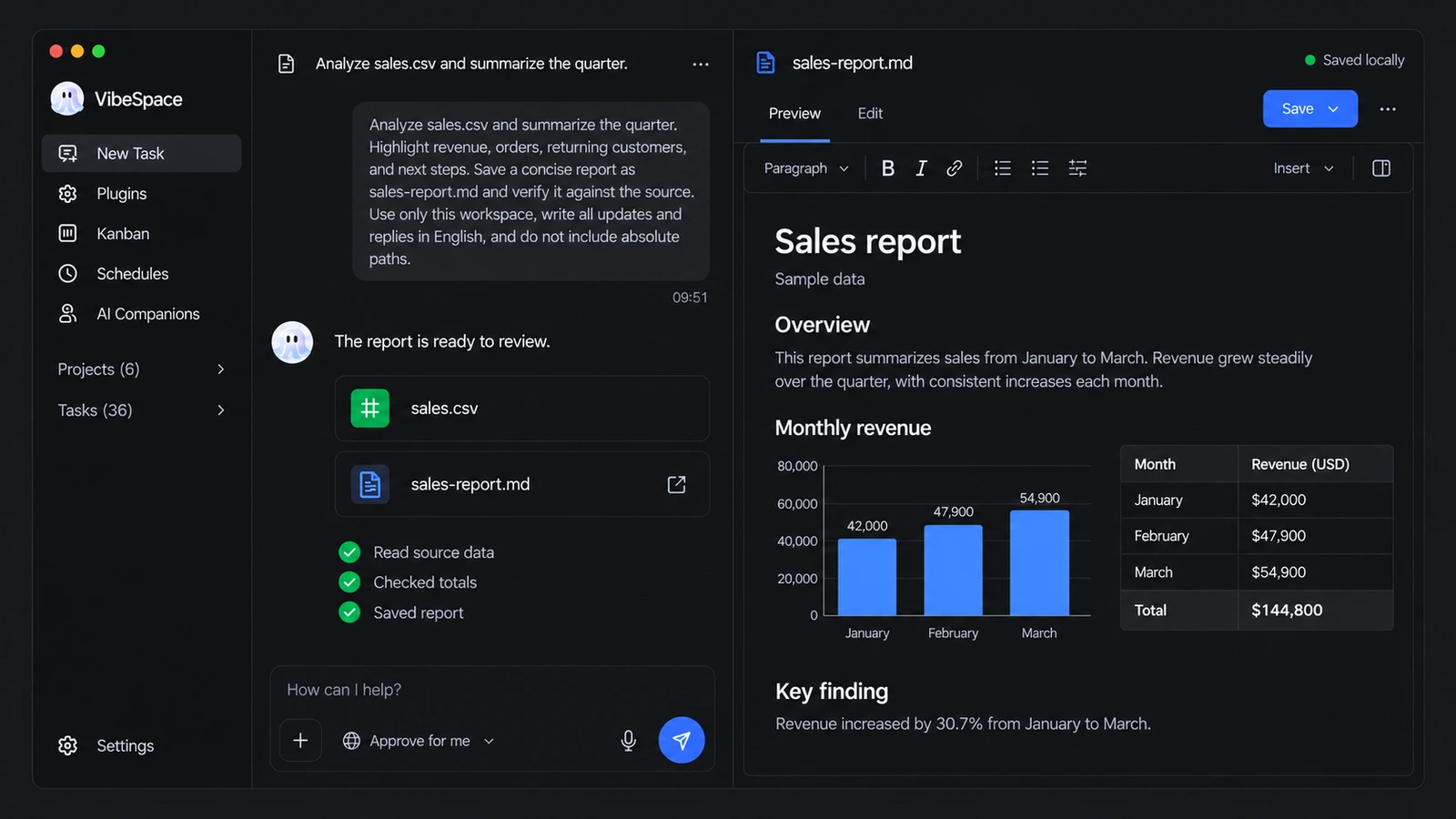
From a source table to a report you can review.
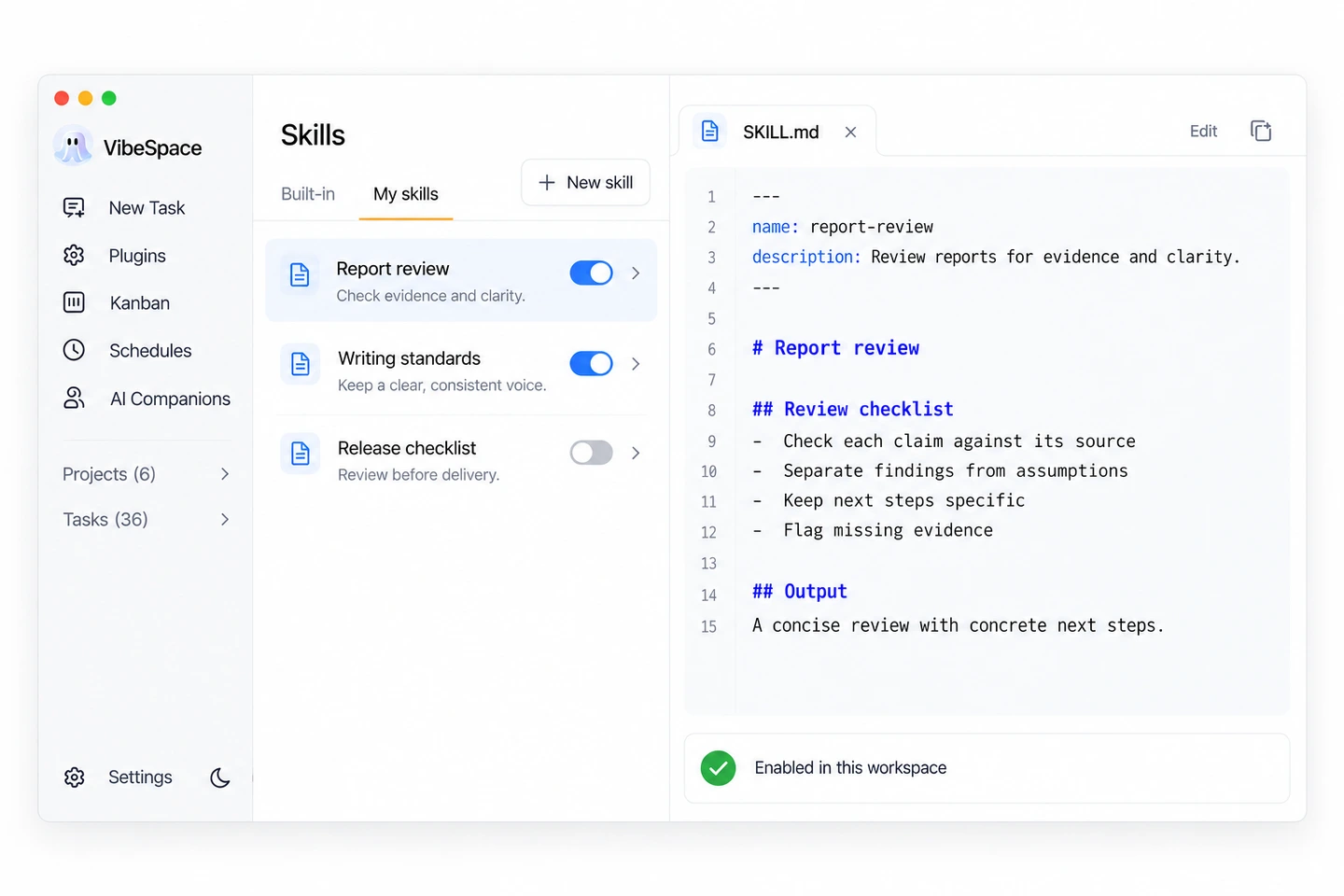
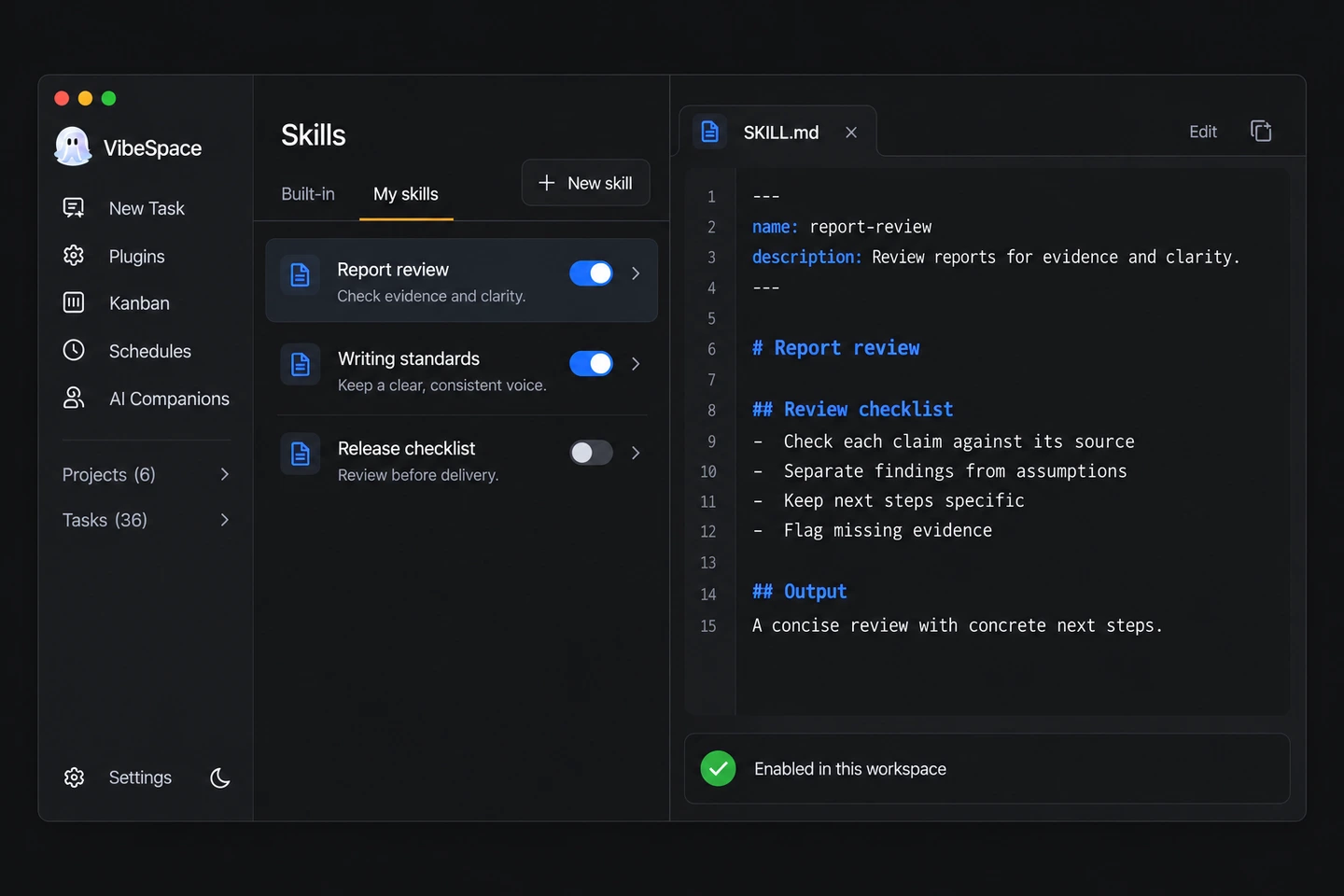
Bring your own files into the task. Capture a review checklist, writing standard or delivery workflow in SKILL.md, then reuse that method in the next project.
Explore skillsWork with the folder you authorize.
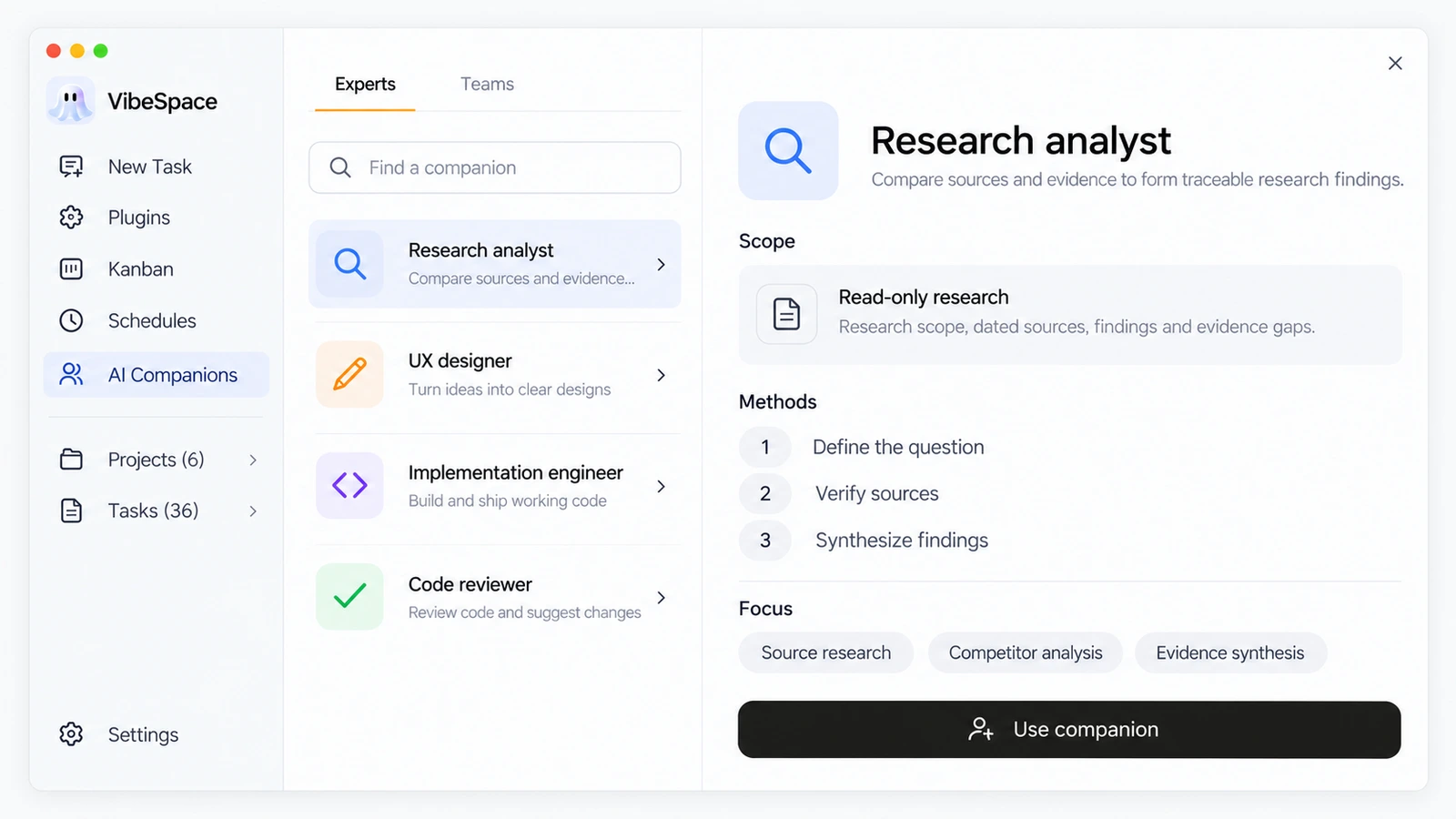
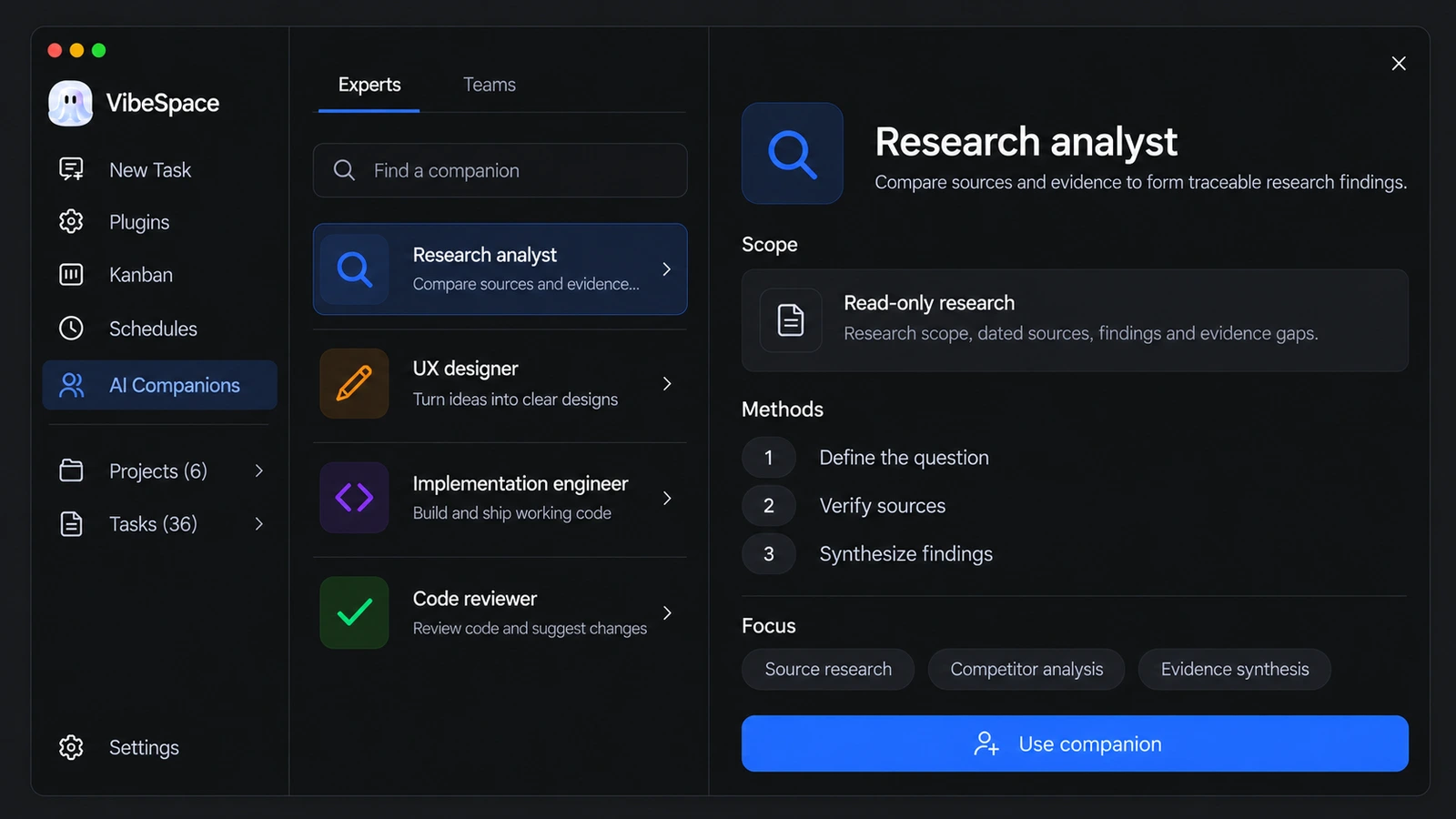
Choose a specialist with the right scope and methods. When a task spans several kinds of work, bring a team together to coordinate the steps and combine the results.
One specialist, a clear responsibility.
See where a project stands, and give recurring work a place in the same workspace.


Same workspace. Different outcomes. Bring a file and a goal, and get a result you can open, edit, and keep.
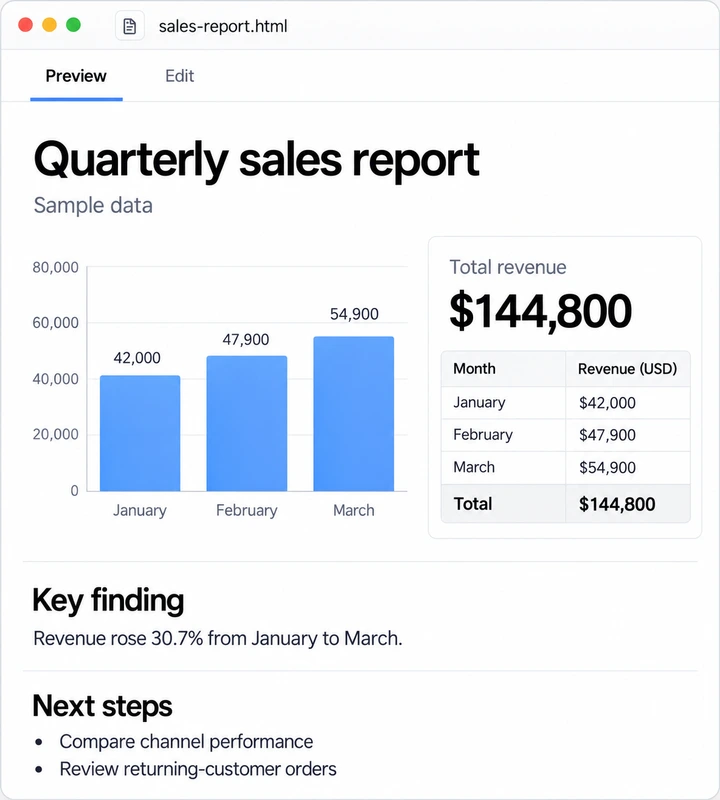
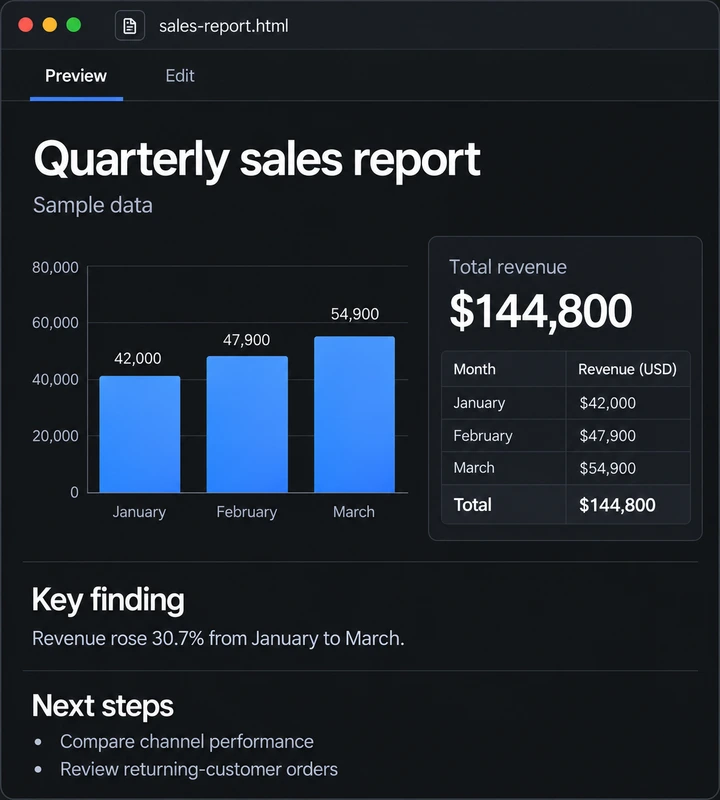
Turn a sales table into a report with checks and next steps.
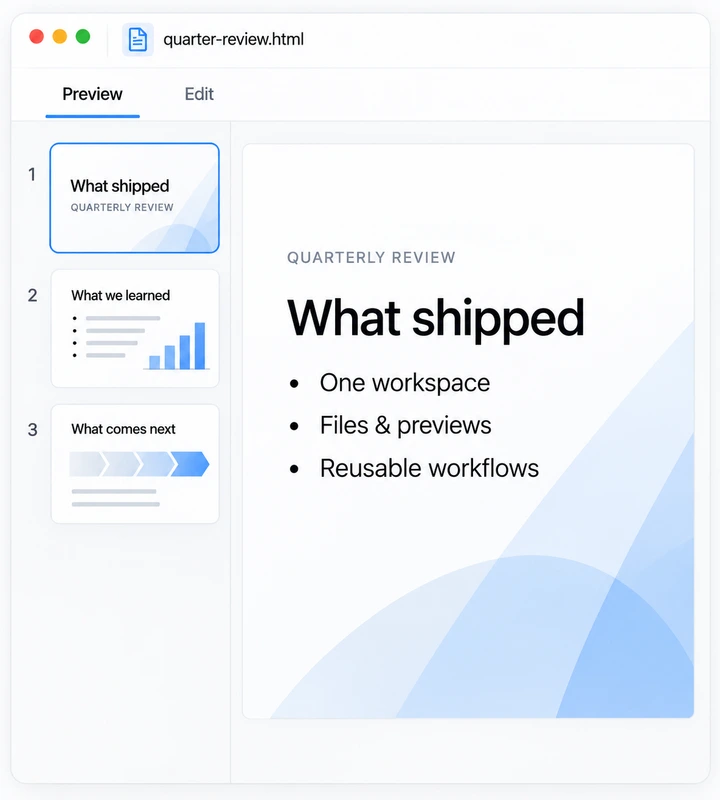
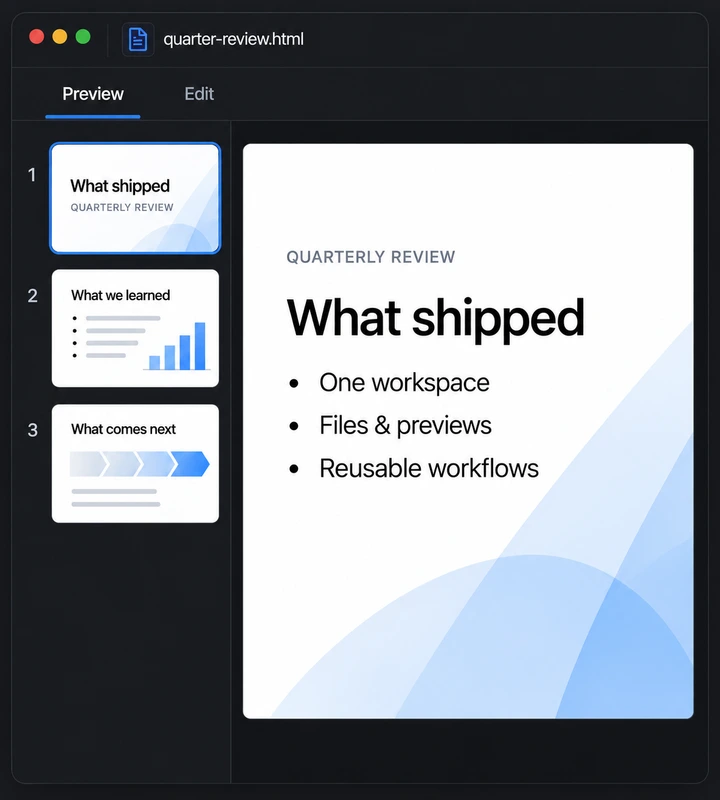
Turn scattered review notes into a clear three-page deck.
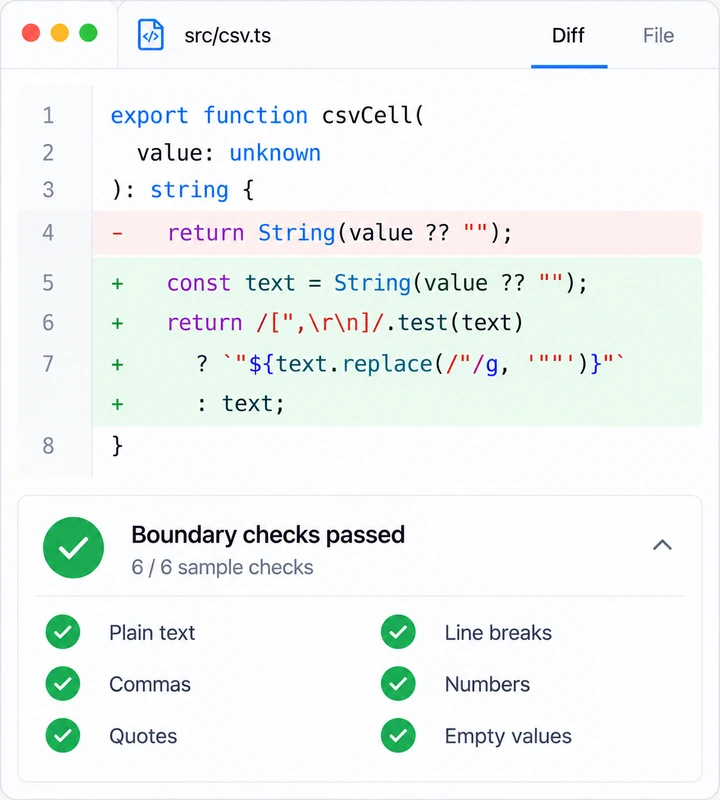
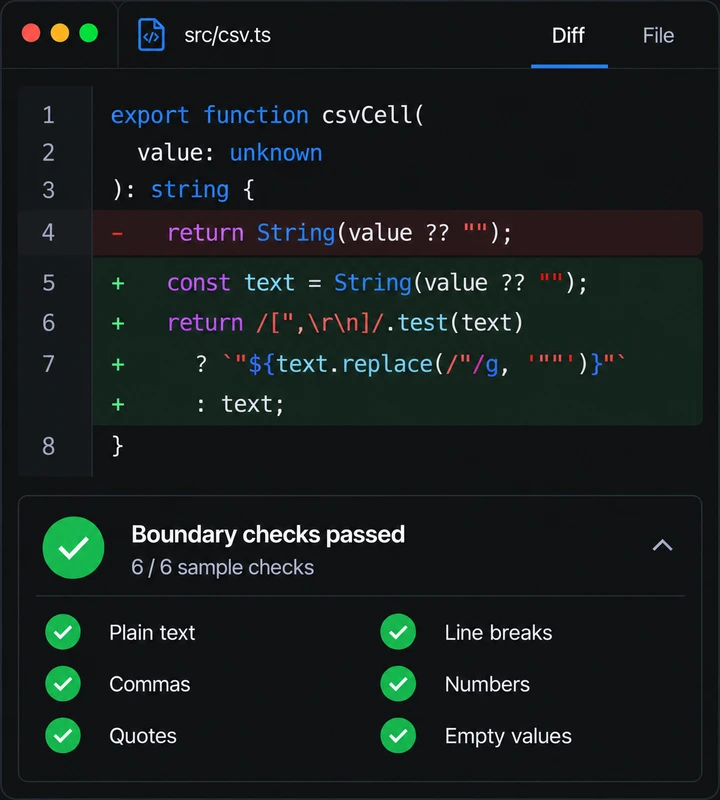
Make a focused change, with the diff and check results alongside it.
BYOK
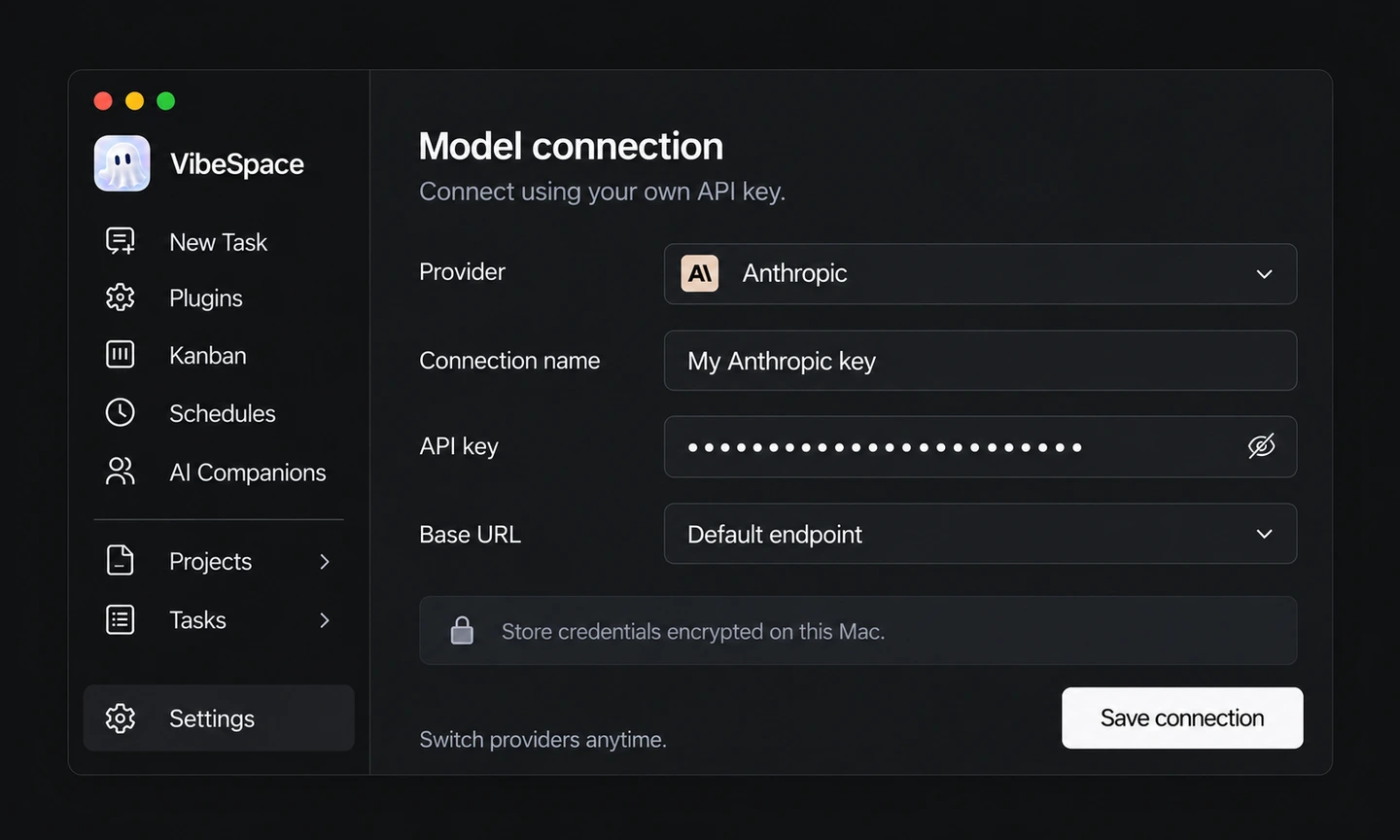
Bring your own API key. Connect directly. Pay your provider, with no markup.
28 connection options, including custom OpenAI-compatible endpoints.
 VibeSpace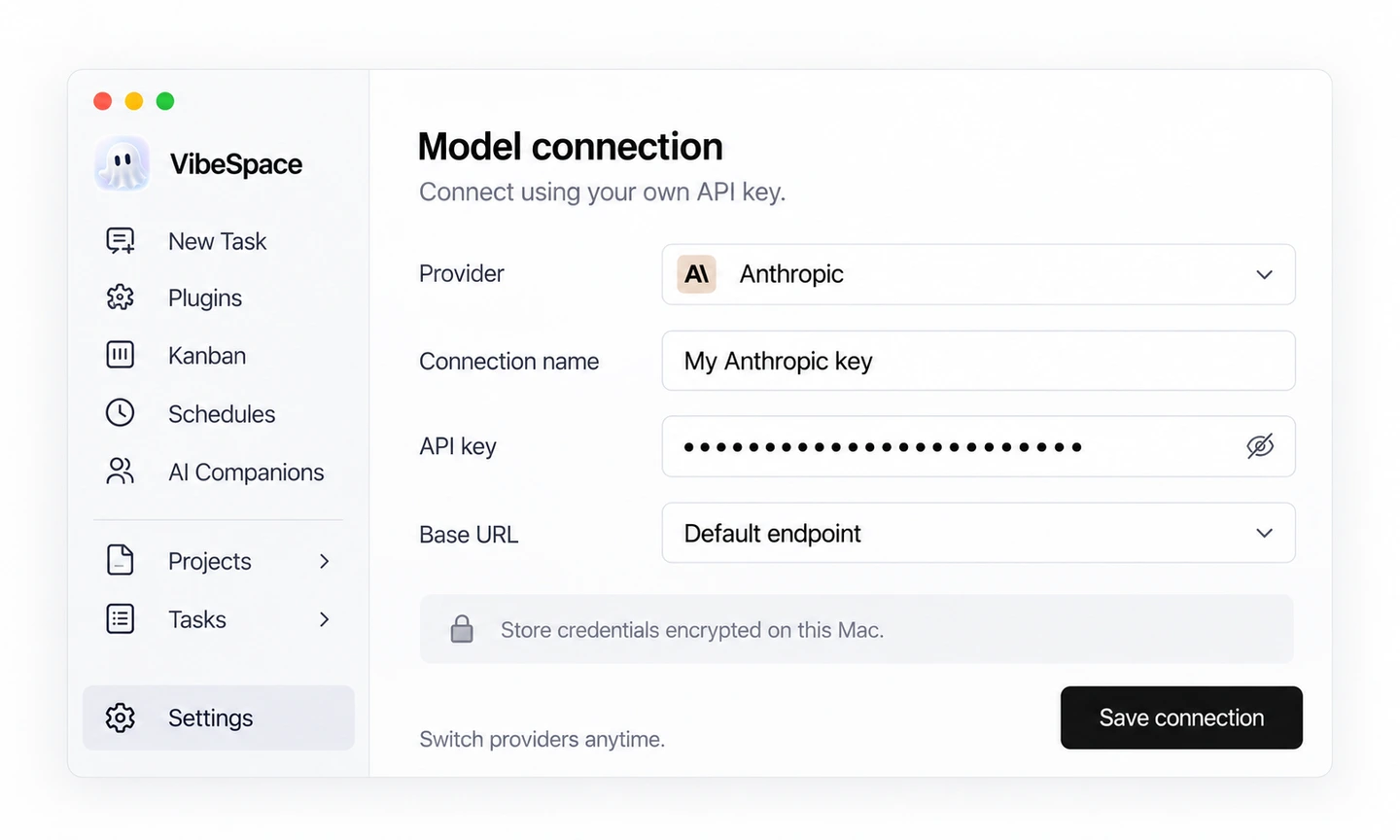
Visibility & control
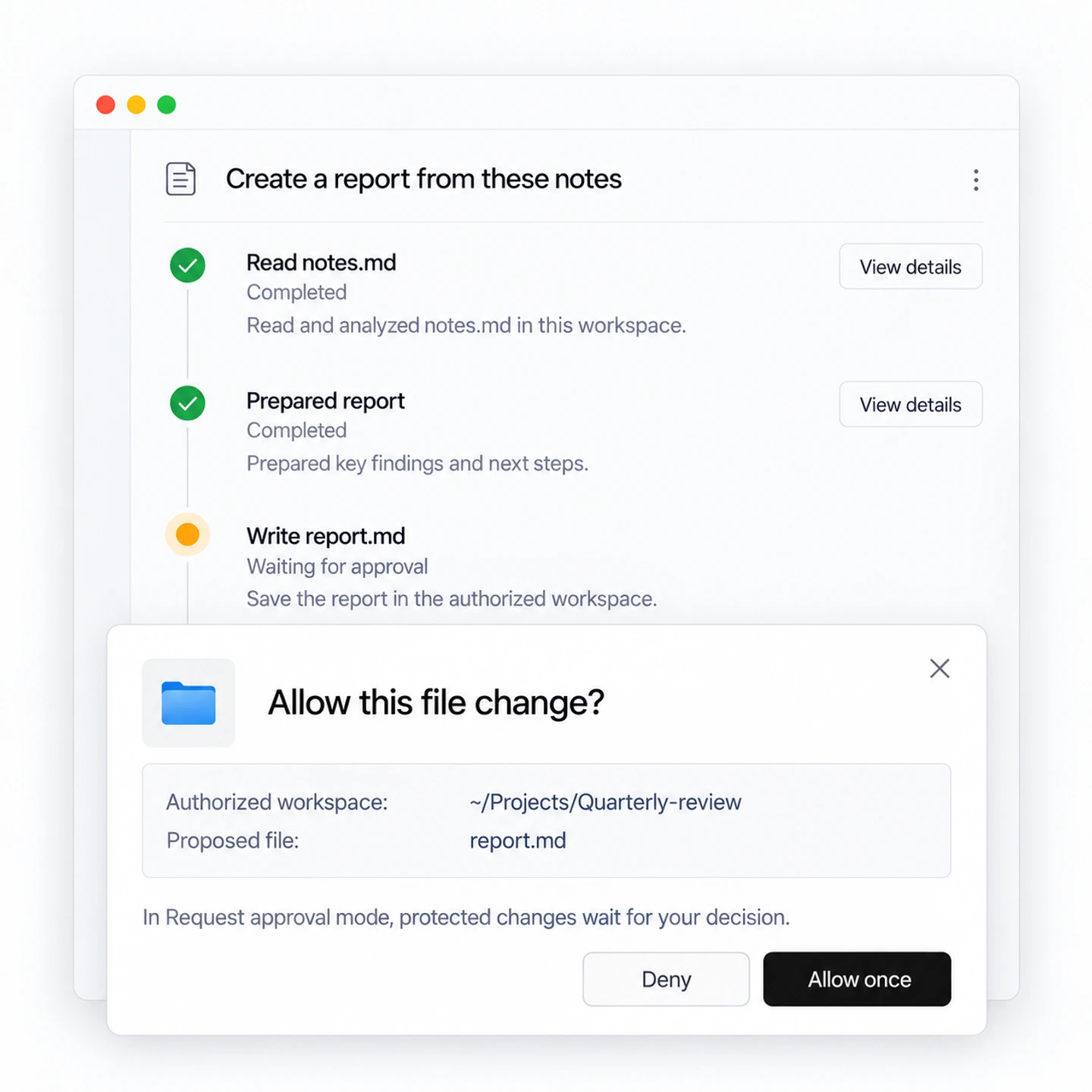
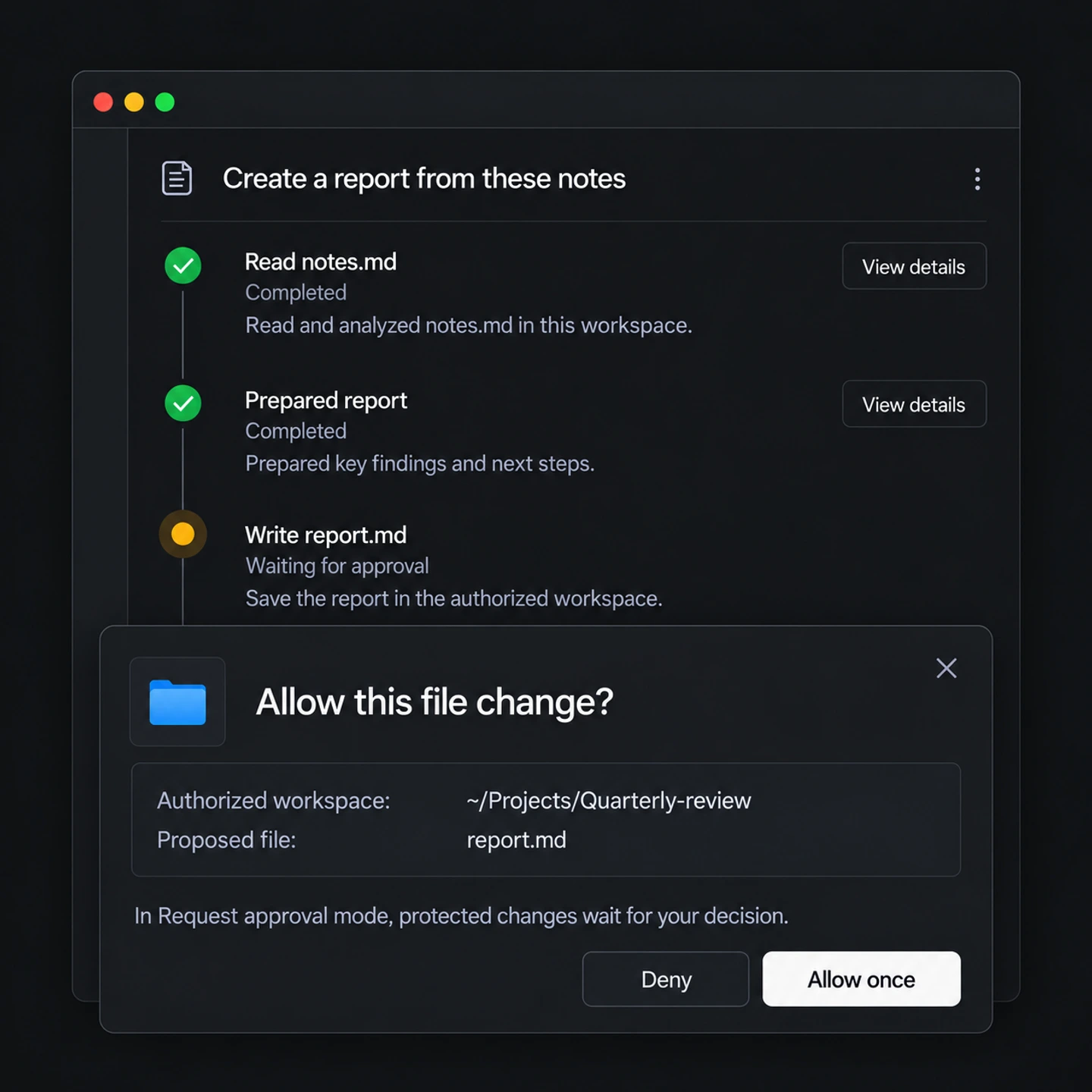
See what is happening, review the changes, and choose which actions need your approval.
A few things to know before you start.
Read the docsYour files, tasks, run history, and credentials are stored locally. When you use a model, relevant request context goes directly to the provider you configure.
There are 28 connection options, including Anthropic, OpenAI, Google, DeepSeek, Qwen, inference platforms, cloud services, and custom OpenAI-compatible endpoints. You can configure more than one connection and choose one for each task.
Read the provider guideYes. You can inspect file changes and run records, review the result, and restore supported changes through the task’s change view. Permission modes let you decide which operations require confirmation.
A skill is a folder with a SKILL.md file that describes a repeatable method. Add your own instructions or use an existing skill, then reuse it across tasks without explaining the same process again.
VibeSpace works in a folder you authorize on your Mac. It can read and edit local files, run tools, and produce results you can open and continue working on, with the conversation and task history nearby.
No. Scheduled tasks start only while VibeSpace is running. Closing the app pauses scheduling, and missed times are not replayed. Keep the app open for scheduled runs.
The desktop app is free. Model usage is charged directly to your own provider account, with no VibeSpace markup. Public macOS downloads are coming soon; you can book a demo for an early look.
VibeSpace is built for macOS, with Apple silicon supported first. The installation guide explains setup and current beta requirements.
Read the installation guide